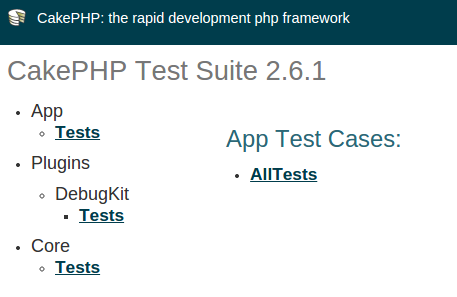
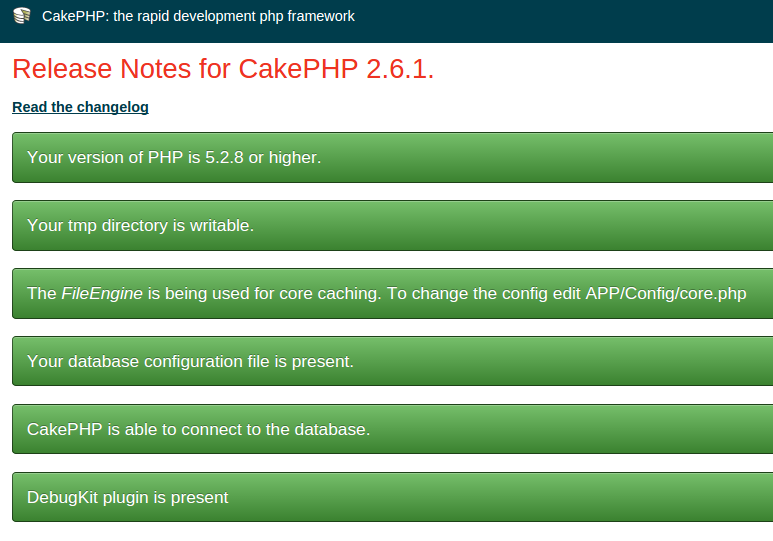
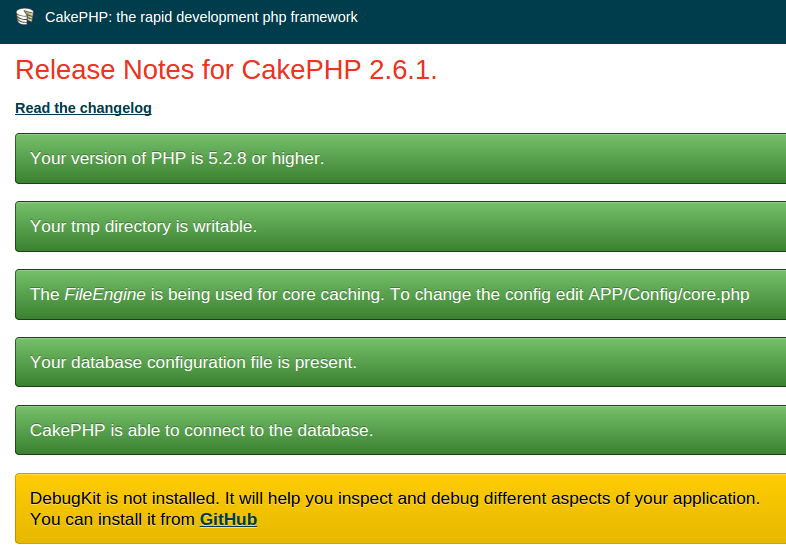
phpのパッケージマネージャーのComposerでCakephpとPHPUnitを入れてみました
Ubuntu 14.04で試しました
システム全体で使えるようにしました
$ curl -sS https://getcomposer.org/installer | php
$ mv composer.phar /usr/local/bin/composer
参考)https://getcomposer.org/doc/00-intro.md
これで
$ composer
だけで呼び出せます
インストールするものをcomposer.jsonに記載します
まず、cakephpを入れてみました
$ vim composer.json
{
    "name": "example-app",
    "repositories": [
        {
            "type": "pear",
            "url": "http://pear.cakephp.org"
        }
    ],
    "require": {
        "cakephp/cakephp": ">=2.4.9"
    },
    "config": {
        "vendor-dir": "Vendor/"
    }
}
参照) http://book.cakephp.org/2.0/ja/installation/advanced-installation.html
インストール
$ composer install
Loading composer repositories with package information
Initializing PEAR repository http://pear.cakephp.org
Installing dependencies (including require-dev)
Your requirements could not be resolved to an installable set of packages.
  Problem 1
    - cakephp/cakephp 2.6.1 requires ext-mcrypt * -> the requested PHP extension mcrypt is missing from your system.
    - cakephp/cakephp 2.6.0 requires ext-mcrypt * -> the requested PHP extension mcrypt is missing from your system.
    - cakephp/cakephp 2.5.8 requires ext-mcrypt * -> the requested PHP extension mcrypt is missing from your system.
    - cakephp/cakephp 2.5.7 requires ext-mcrypt * -> the requested PHP extension mcrypt is missing from your system.
    - cakephp/cakephp 2.5.6 requires ext-mcrypt * -> the requested PHP extension mcrypt is missing from your system.
    - cakephp/cakephp 2.5.5 requires ext-mcrypt * -> the requested PHP extension mcrypt is missing from your system.
    - cakephp/cakephp 2.5.4 requires ext-mcrypt * -> the requested PHP extension mcrypt is missing from your system.
    - cakephp/cakephp 2.5.3 requires ext-mcrypt * -> the requested PHP extension mcrypt is missing from your system.
    - cakephp/cakephp 2.5.2 requires ext-mcrypt * -> the requested PHP extension mcrypt is missing from your system.
    - cakephp/cakephp 2.5.1 requires ext-mcrypt * -> the requested PHP extension mcrypt is missing from your system.
    - cakephp/cakephp 2.5.0 requires ext-mcrypt * -> the requested PHP extension mcrypt is missing from your system.
    - cakephp/cakephp 2.4.9 requires ext-mcrypt * -> the requested PHP extension mcrypt is missing from your system.
    - cakephp/cakephp 2.4.10 requires ext-mcrypt * -> the requested PHP extension mcrypt is missing from your system.
    - Installation request for cakephp/cakephp >=2.4.9 -> satisfiable by cakephp/cakephp[2.4.10, 2.4.9, 2.5.0, 2.5.1, 2.5.2, 2.5.3, 2.5.4, 2.5.5, 2.5.6, 2.5.7, 2.5.8, 2.6.0, 2.6.1].
エラー発生..mcryptがない..ということで
$ sudo apt-get install php5-mcrypt
再度
$ composer install
Loading composer repositories with package information
Initializing PEAR repository http://pear.cakephp.org
Installing dependencies (including require-dev)
  - Installing cakephp/cakephp (2.6.1)
    Downloading: 100%

Writing lock file
Generating autoload files
cakephpが入りました
こんなディレクトリで入るみたいです
$ tree -d -L 5
.
└── Vendor
    ├── bin
    ├── cakephp
    │   └── cakephp
    │       ├── app
    │       │   ├── Config
    │       │   ├── Console
    │       │   ├── Controller
    │       │   ├── Lib
    │       │   ├── Locale
    │       │   ├── Model
    │       │   ├── Plugin
    │       │   ├── Test
    │       │   ├── Vendor
    │       │   ├── View
    │       │   ├── tmp
    │       │   └── webroot
    │       ├── lib
    │       │   └── Cake
    │       ├── plugins
    │       └── vendors
    └── composer
エラーが出たら
http://book.cakephp.org/2.0/ja/getting-started.html
http://book.cakephp.org/2.0/ja/installation/url-rewriting.html
を参考に
Collectif Esprit Du Temps 2011-03-27